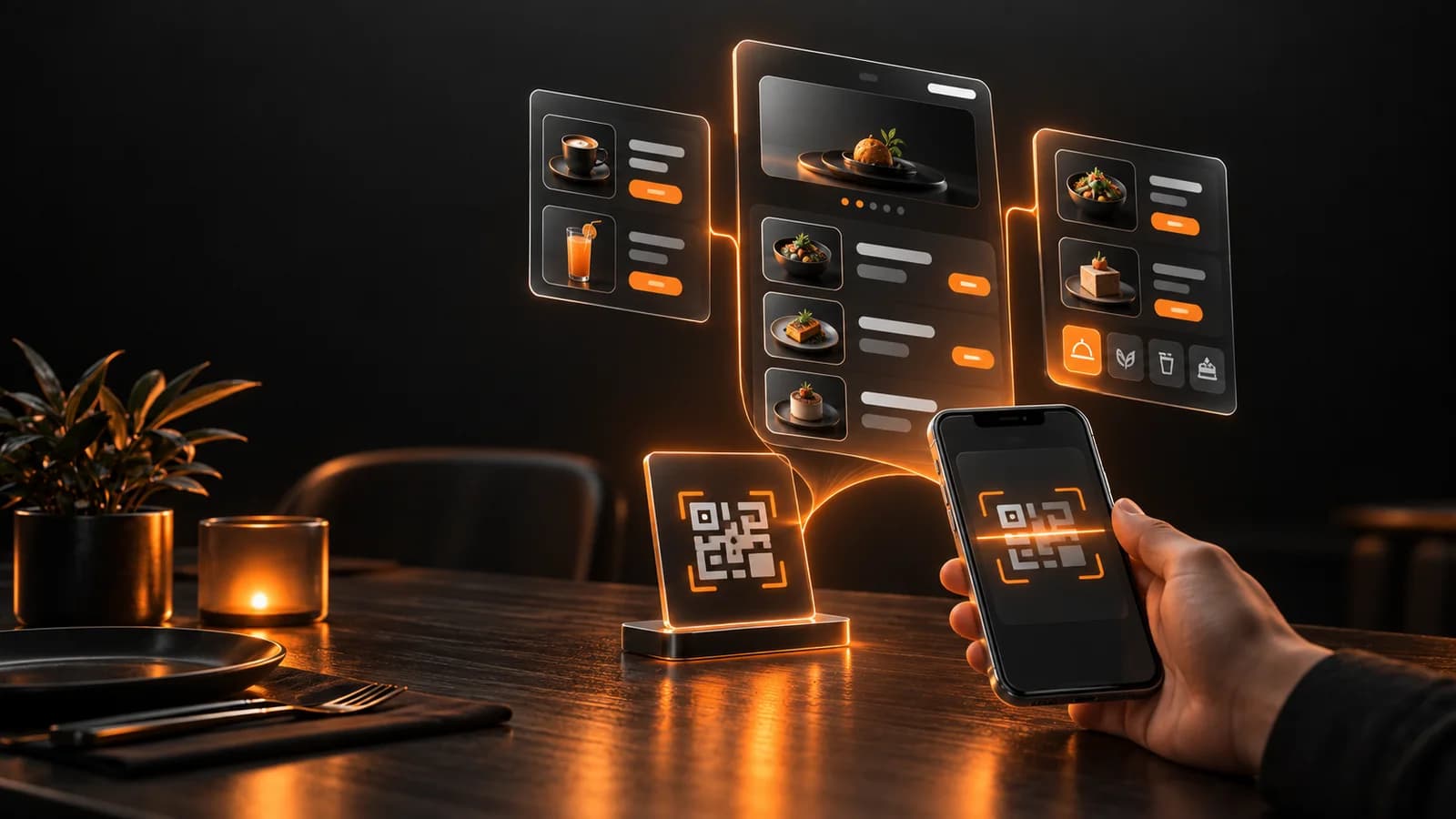
Setting up a good QR menu is less about sticking a code on a table and more about reorganizing your menu: you group items into clear categories, give each one a sharp photo and a short description, enter allergen information, put the QR code where guests will see it, test it on real phones, and teach your staff how to keep it up to date. This guide walks through those steps in order, along with the mistakes we see most often. If you are wondering how a QR menu differs from a PDF menu, we covered that in a separate article; here we focus on preparation and day-to-day management.
Simplify the menu first, then move it online
The most common mistake is copying the paper menu onto a phone as it is. Eighty items that fit on two printed pages become an endless scroll on a small screen. By the third screen the guest gives up and calls the waiter, which defeats the point of a QR menu: ordering without waiting.
Before you start, look at the menu honestly once. Do you really want to keep the items that sell once or twice a week? Have you listed three sizes of the same dish as three products when one product with options would do? This cleanup helps your guests and you. Pull sales numbers from your till or point-of-sale software and look at the best and worst sellers; you do not need a separate analytics tool for that.
Categories and items: build it the way guests think
Order categories by how a guest thinks, not by how your kitchen is organized. Breakfast, main dishes and drinks work for many places. In a cafe, hot drinks, cold drinks, desserts and snacks are usually enough. The more categories you add, the easier it is to get lost; for many venues eight to ten headings works as a rough ceiling, but treat that as a starting point and judge by your own menu.
For each item write three things: the name, one sentence of description, and the price. The description should not be an empty adjective like "special sauce"; it should say what is in the dish, how big the portion is, or how it is served. Think about what guests ask most: is it spicy, is it vegetarian, what comes with it? Every question your waiter has to answer is a gap the menu could have filled.
Order matters too. Put the items you want to highlight, the ones with good margins or your signatures, at the top of their category. Guests mostly choose from what they see first. Think of this not as a trick but as making the decision easier.
Photos: good photos of the right items, not photos of everything
Photography takes the most effort in a QR menu and makes the biggest difference. But a bad photo is worse than no photo. A blurry plate shot under yellow light kills the appetite. So decide first which items deserve a photo: signature dishes, visually appealing ones, and bestsellers.
You can get good results with a phone if you follow a few conditions: daylight, a clean table by a window, a simple plate, and an angle from above or slightly to the side. Turn the flash off. Shoot everything in the same style against the same background so the menu looks like one piece. Shrink the files before uploading; dozens of full-resolution photos slow the menu down and keep guests on mobile data waiting. Reducing the width to a few hundred pixels and saving in a web format is enough.
Some items will have no photo, and that is fine. Just be consistent: a category where half the items have photos and half do not looks messy. Either every item in a category has one, or none do.
Allergen and ingredient information: a legal matter, and the serious part
This section is not about looks. In Turkey, under the Turkish Food Codex Regulation on Food Labelling and Consumer Information, mass catering places such as restaurants have been required since 1 January 2020 to provide allergen information to the end consumer. According to the Ministry of Agriculture and Forestry, this information is based on the 14 allergens listed in the regulation and can be given on menus, posters, information boards or whiteboards. The aim is for a person with an allergy to be informed before ordering.
In practice, a small icon or short note next to each menu item showing its allergens is a good way to do it. But the first step is knowing what is in every recipe in your kitchen. If you use ready-made sauces, dough or packaged products, read the ingredient list on the packaging; do not guess whether something contains gluten. Wrong allergen information can be more dangerous than none. Detailed obligations, exceptions for certain product groups and how inspections work can change, so we suggest checking the current regulation or your local food inspection office for your own business. This article is not legal advice.
One more thing: a line at the bottom of the menu such as "If you have an allergy, please tell our staff before ordering" is a good warning for risks like cross-contact that a menu cannot capture, but it does not replace the allergen information itself.
Prices: writing them, updating them, and the legal framework
Updating prices is where a QR menu pays off most. Instead of reprinting paper menus, you change a number in the panel and it shows on every table at once. That comes with responsibility: a wrong or outdated price starts an argument with the guest. Make one person responsible for price updates and check the menu on a phone after each change.
A few legal points to know when you write prices. Under an amendment to the Ministry of Trade's Price Tag Regulation, restaurants, cafes and similar businesses must keep price lists at the entrance and above tables where consumers can easily see and read them. According to the Ministry's announcement of 30 January 2026, businesses also cannot demand mandatory extra payments under names like service charge, table charge or cover charge; menus show only product prices, and tipping is voluntary. So if your menu has such a line, it needs to go.
Be careful about whether a QR menu alone is enough. News reports say a price list can be made available digitally through a QR code but that a physical list must be shown if the consumer asks; we could not verify this detail from the official regulation text. So our advice is to keep a printed menu at the table or the till for guests who ask, and to check the current rules from Ministry of Trade sources for your type of business. The same goes for details such as showing prices with VAT included: read the current text.
If you collect personal data from guests (a contact form, a campaign sign-up, an email list), you may need a privacy notice and consent under Turkey's data protection law (KVKK). If the QR menu only shows the menu, this usually does not come up, but it does the moment you add a form.