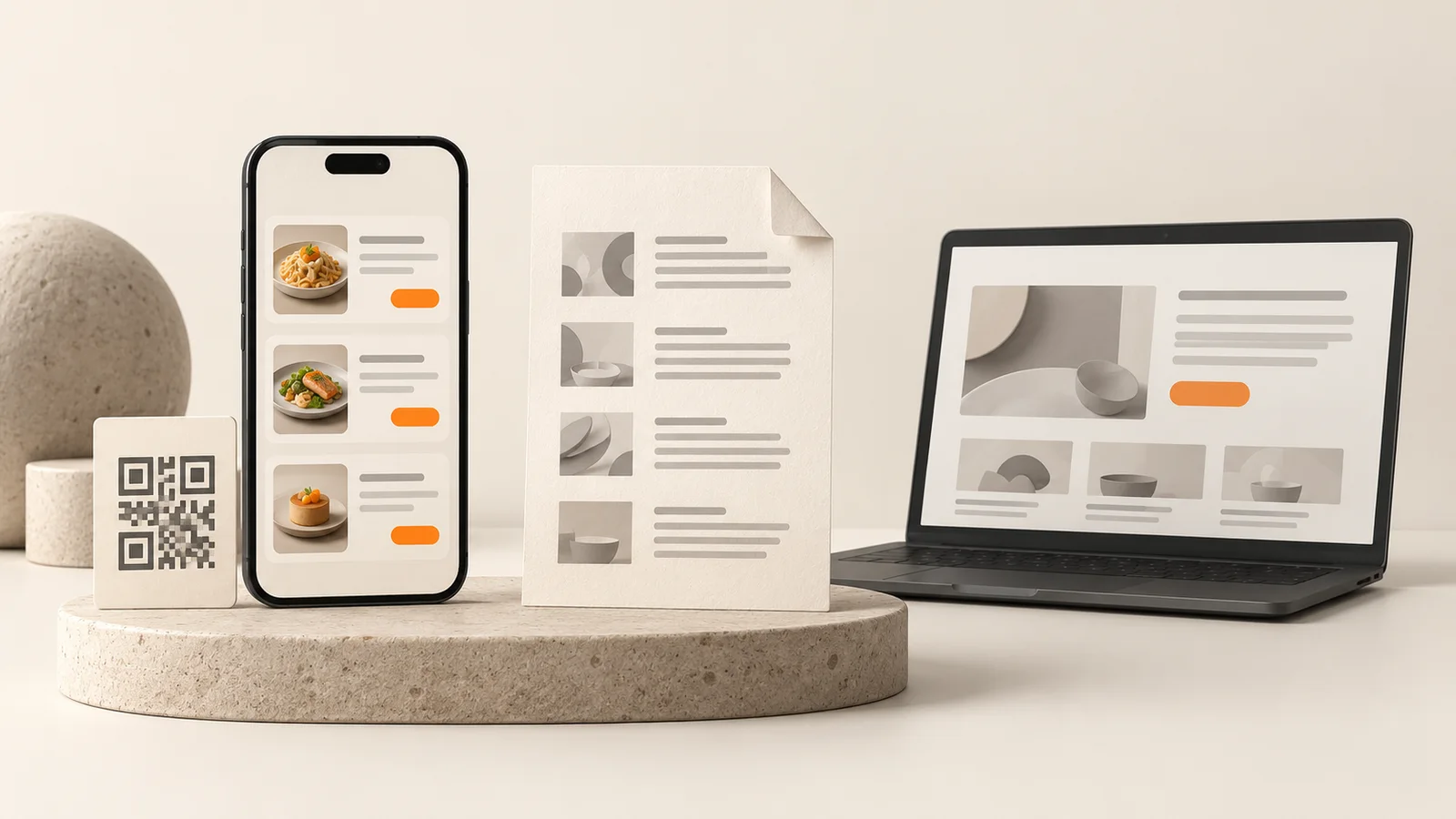
When a guest scans the QR code on the table, what opens is not always the same thing. In some venues it is a PDF on the phone; in others it is a page actually designed for a phone. Both are called a "QR menu", but the guest's experience and the way you manage it are very different.
What is a PDF menu?
It is the file version of your printed menu. It is uploaded to a cloud service or your website, and the QR code points to that file. It is the quickest way to set up, but zooming, scrolling and reading small text is left to the guest.
What is a QR menu?
A web page designed for a phone screen. Categories sit in tabs, items appear as cards with photos, and there is a search box. The menu is not a document but an interface.
The differences
- Readability: A PDF often comes in an A4 layout and needs zooming on a phone. A QR menu adapts to any screen size.
- Updating: With a PDF you re-prepare and re-upload the file whenever a price changes. With a QR menu you change items, prices and order from a panel in a few taps.
- Search and categories: In a PDF you page through to find an item. A QR menu has categories and search.
- Visuals and details: In a QR menu the photo, ingredients and allergen information sit on the same card.
- Brand look: A PDF looks like a document. A QR menu is designed with the colors and typography of your venue.
- Multi-language and multi-branch: With PDFs you keep a separate file per language and branch. With a QR menu you manage it in one place.
When is a PDF enough?
If your menu rarely changes, is in one language, your venue is small and you need a quick temporary fix, a PDF does the job. If your menu changes often, you want to show photos and descriptions, or you have foreign guests, a QR menu is the more comfortable route.
5 questions to ask when choosing
- How often do I change prices and items?
- Can I update the menu myself, without technical knowledge?
- Can a guest read it on a phone without zooming?
- Do I need the same menu in another language or in several branches?
- Does the menu match the look of my venue?
At Vinci Studio we build QR menus designed for the phone screen for restaurants and cafés; see our QR menu page for details.