Zync — Day Counter
Our own iOS app that counts days and works out what a habit you quit leaves in your pocket.
- Type
- iOS app — our own product
- Platform
- iOS 17.6 and later
- Year
- 2026
- Scope
- Design · Development · Widgets · Subscription
- Status
- In TestFlight, preparing for the App Store
2
counting directions
Countdown to a date, count-up from a date
3
widget surfaces
Home screen small, medium, and lock screen
0
servers
Data stays on the device and in the user's iCloud
There are plenty of day-counting apps. What sets Zync apart is that it also shows what the counting earns you: turn the day you quit smoking or cancelled a subscription into a counter, and it calculates the money that stays in your pocket for every day you keep the habit. We wanted it to feel light and familiar, in iOS's own design language.
Direction follows the date
Give it a future date and it counts down; give it a past date and it counts up, with a year, month and day breakdown. The user is never asked to pick a direction.
Savings tracking
Assign a daily amount to a counter and the money saved is calculated for every passing day. The currency can be chosen per counter.
Everywhere on the phone
Home screen and lock screen widgets plus per-counter reminders mean counters are visible without opening the app. The app and the widgets share one data store.
Privacy by default
There is no server; data lives only on the device and in the user's own iCloud account. Premium is offered as a subscription or a one-time purchase.
What we delivered
Counters
Countdown and count-up, yearly repeat, pinning, categories, notes, theme colour and icon.
Savings tracker
Money accumulated from a daily amount, with a per-counter currency.
Widgets
Home screen (small, medium) and lock screen widgets.
Reminders
Notification time per counter.
Premium
Subscription and one-time purchase, with an in-app premium flow.
Technology we used
What the code is written in
- Swift100%
8,132 lines of source code, counted in the project repository on 15 October 2026.
App Screens
Day counting, savings tracking and the premium screen. The interface follows iOS's own design language: large titles, system typography, familiar gestures.
More projects
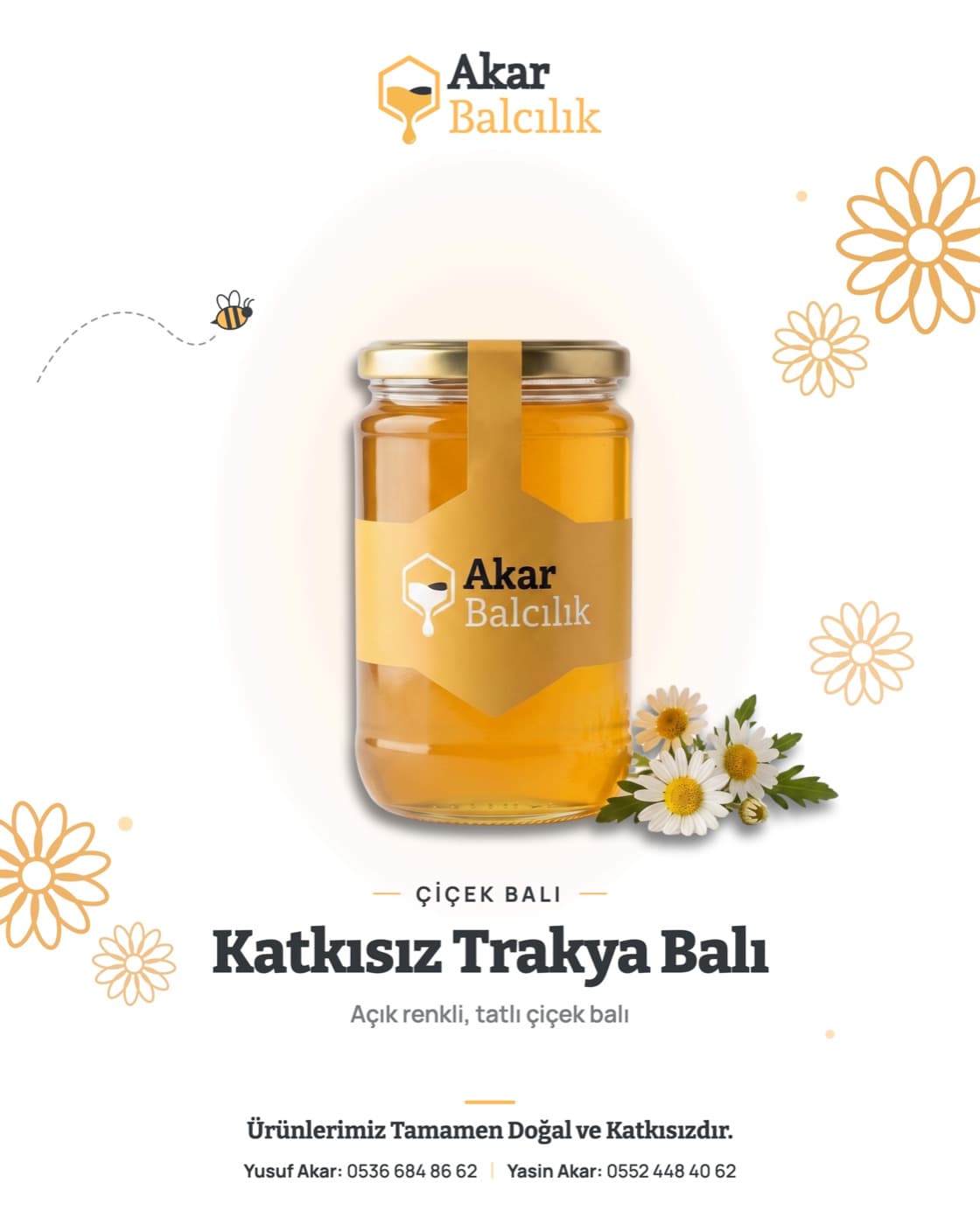
Akar Balcılık - 100% Natural Bee Products
We built a from-scratch brand identity, logo, and social media storefront for a natural Trakya honey producer.
View project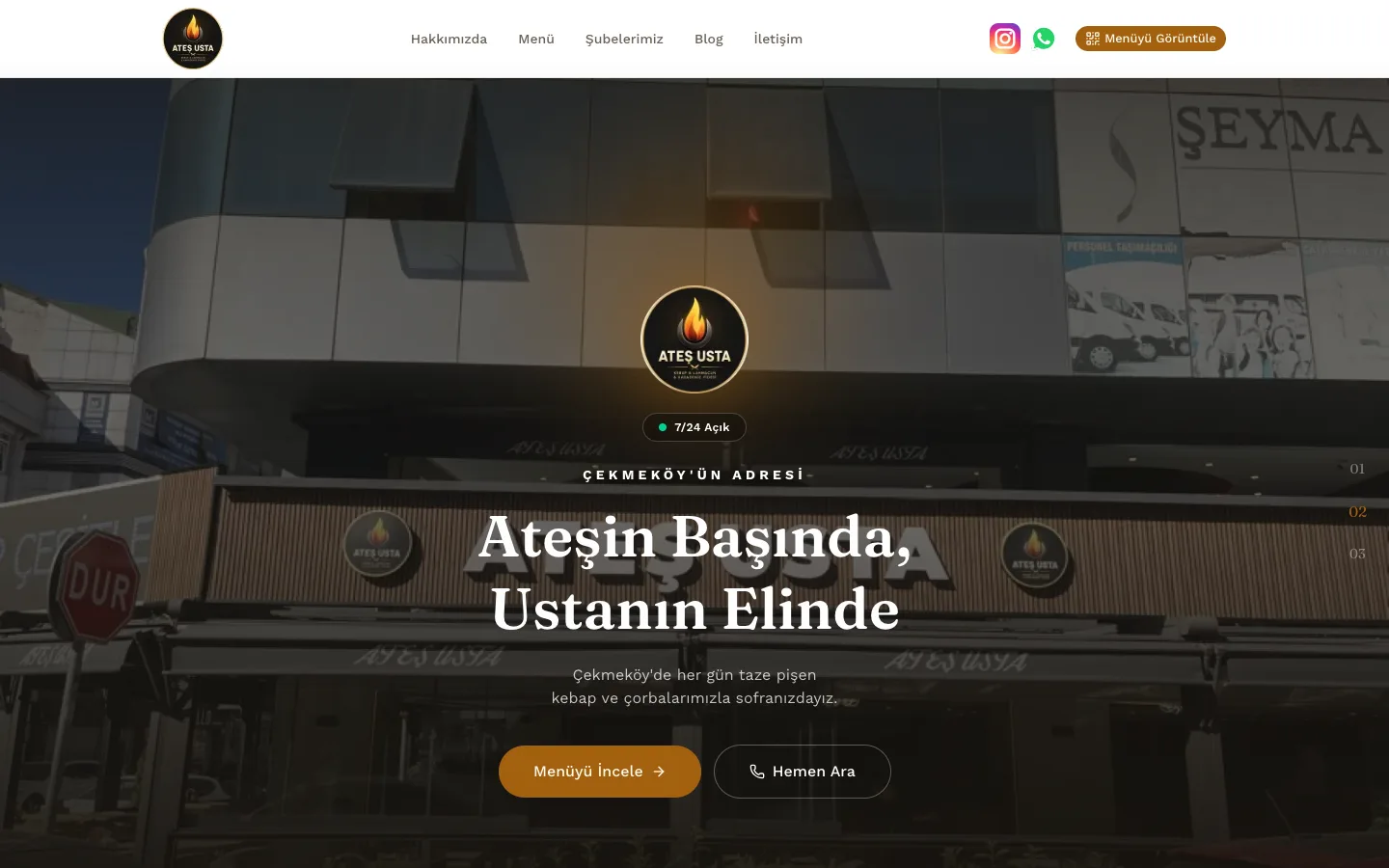
Ateş Usta
A restaurant website built from scratch for a Çekmeköy kebab-and-soup restaurant, with a QR menu system, admin panel, and SEO-focused blog.
View project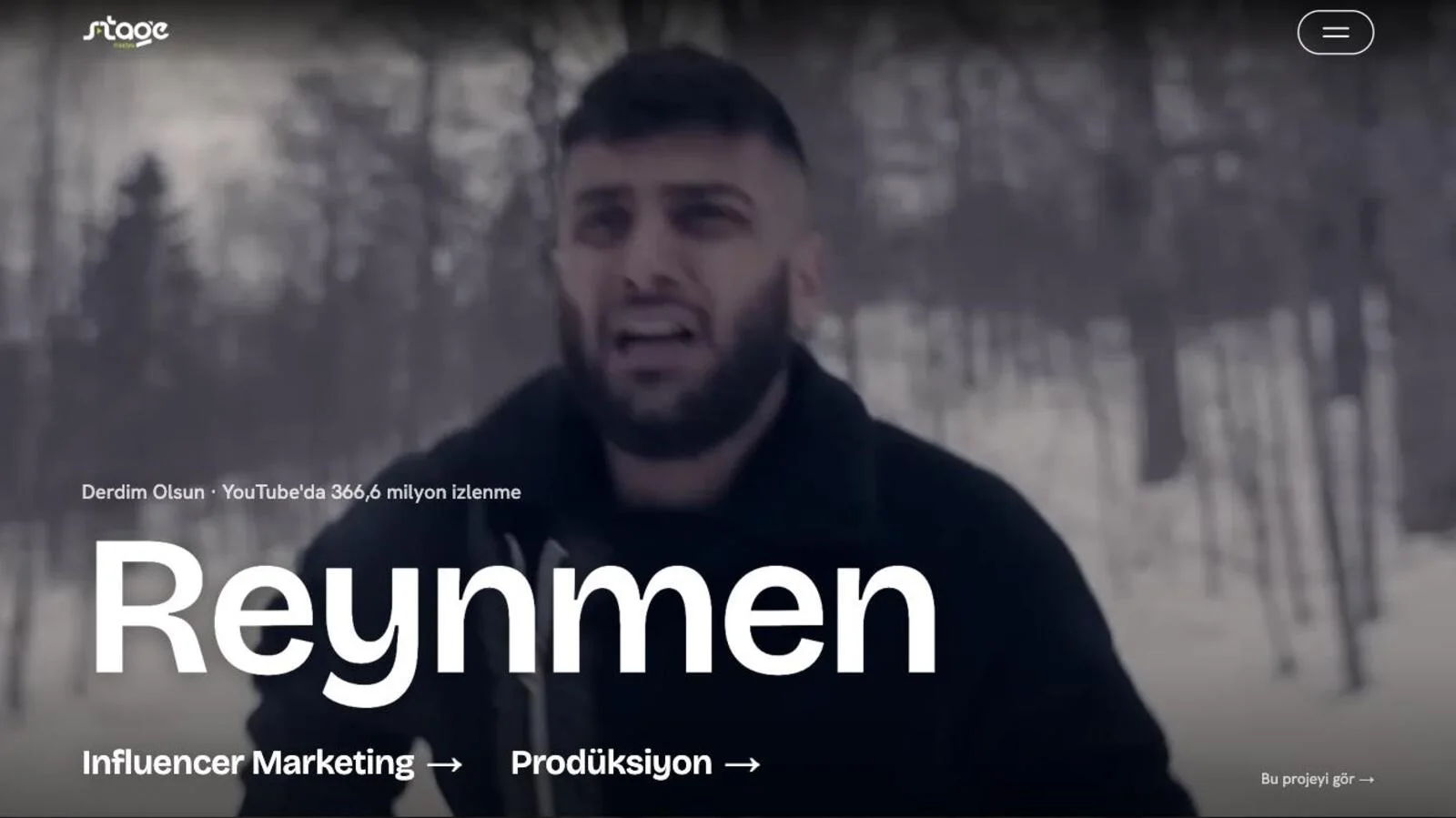
Stage Medya
A corporate website presenting influencer marketing and production services alongside selected projects.
View projectHave an app idea?
Tell us about it; let's talk about taking it from design to the app store together.